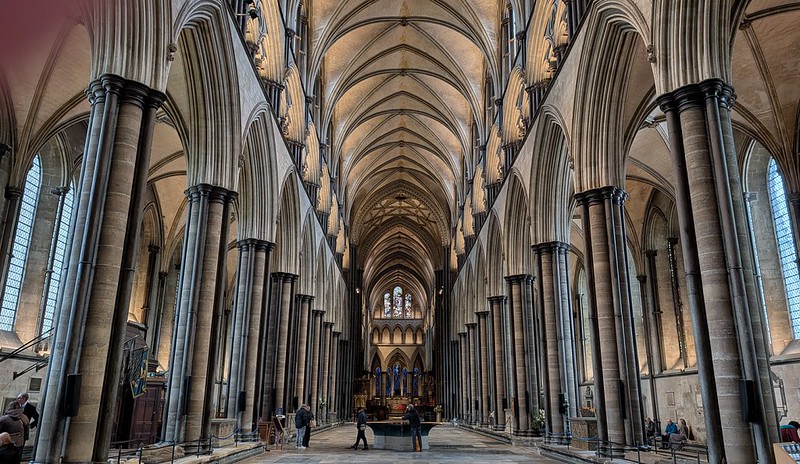
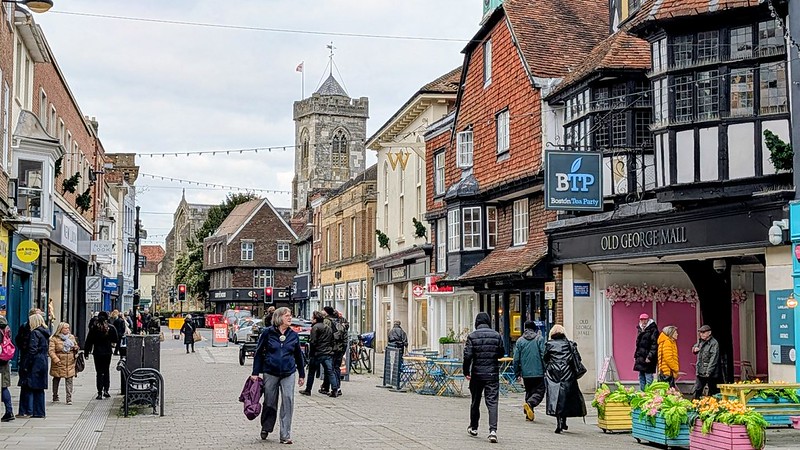
Day 006: We considered taking a short train ride up to Winchester. The town was the old capital of Wessex and has a significant cathedral with the longest medieval nave in Europe. Jane Austen is buried inside the cathedral nave, but neither of us is a die-hard fan. The 25 CAD admission price felt steep for a brief look. My AI also noted that walking down from the station into the medieval town center meant an uphill climb to get back. Uphill climbs before embarkation hold no appeal. We opted to stay in Southampton.
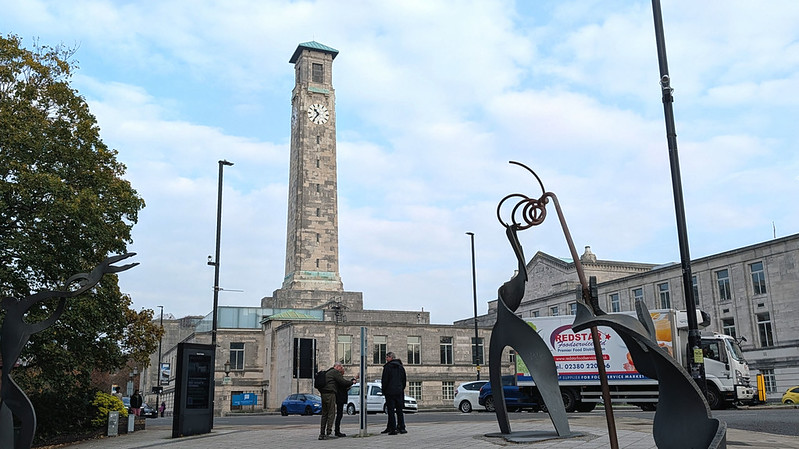
After breakfast we walked over to the tall clock tower by the Civic Centre. The tower is built of Portland stone and rises 156 feet above the square. During World War II, Luftwaffe pilots used the white tower as a visual landmark to line up bombing runs on the commercial docks below. The docks took heavy hits. The tower survived the war with only minor shrapnel marks.

Next door, we went into the Southampton City Art Gallery to see the collection. The rooms held a solid run of British work. The single photo included here shows a piece by a Vancouver artist, an unexpected connection to the West Coast. A bit of home surfaced.

Lisa Milroy (b.1959)
Togetherness, 2002
Oil on canvas
Vancouver-born, Lisa Milroy, rose to prominence in the 1980s after moving to the UK to study at Goldsmiths College, London
. She began to make large-scale paintings representing groupings of similar objects; plates, light bulbs, folded shirts and shoes, working with a contemporary sense of the still-life tradition . Milroy made her first paintings of Japanese prints in 1986 and throughout her career, Milroy’s experience of Japan has acted as a constant source of inspiration
. Togetherness is from Milroy’s ‘Geisha’ series, which are seriously playful depictions of this professional class of female artists and entertainers, out of their usual environment
. Building on her repetition of objects, Milroy uses ‘fast and loose’ paint handling and flowing brush strokes to create multiple Geishas, whilst adding delightful detail of contemporary living to make each woman distinct . Across the series, Milroy used a range of techniques and media to explore the possibilities of this line of thought . Here, Geishas are in a suite at the Sheraton in downtown Vancouver, cavorting with some off-duty Mounties . Purchased in 2005 through the Dr David & Liza Brown Bequest Fund and through MLA/V&A Purchase Grant Fund
This artwork has been chosen by the public for the Gallery’s reopening displays

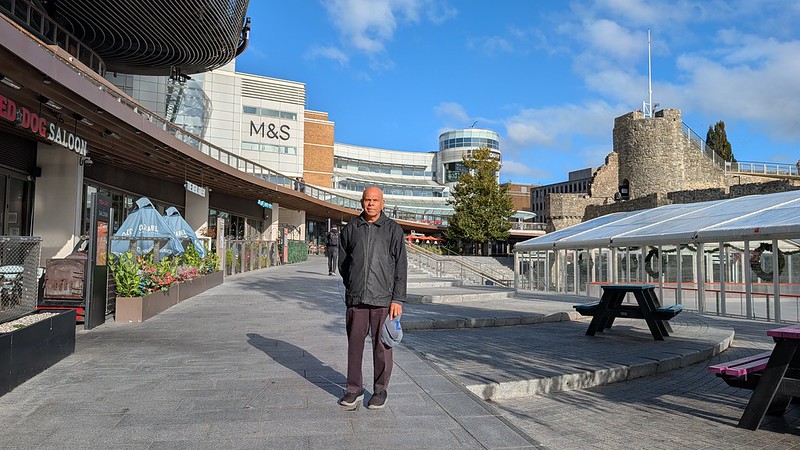
From the gallery, we walked through the Solent University campus and headed toward the water. We ended up at the Westquay Shopping Centre and sat for a good while near the food court. We reversed our normal routine by picking up simple bread and cheese at a nearby Lidl for lunch. The plan is to head back to the mall food court around seven tonight for dinner. A Friday evening crowd should be lively. We will board the MSC Virtuosa tomorrow morning and begin our slow journey towards our winter destination of Rio de Janeiro.